Guide
Plan a cocktail menu and shopping list
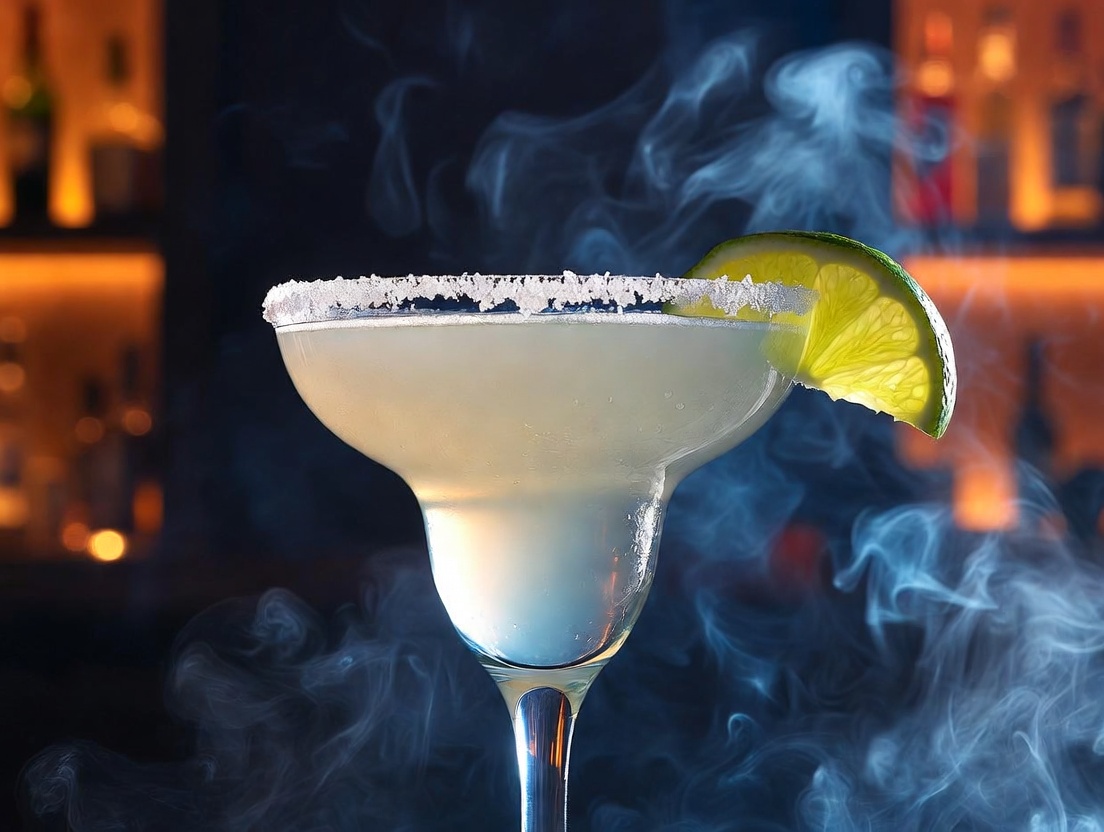
When you host, the question is not “what can I mix from this shelf?” It is “which drinks do I want to pour, and what do I still need to buy?” My Cocktail Pantry menus are for that second question. Pin the cocktails you want to serve, keep Pantry as the inventory of what you already own, then open a shopping list that is only the extra ingredients those drinks still need.
Decide the drinks you want to serve
Hosting starts with a short list, not a full catalog. A Saturday party might be a Negroni, a Margarita, an Old Fashioned, and a Daiquiri: gin, tequila, bourbon, and rum, stirred and shaken, bitter and sour. Guests can actually choose from four drinks. You can actually shop for them.
The default home view, What I can make, still answers the other question — every recipe your pantry already covers, plus Almost There for near-misses. Leave that view alone. A named menu is an overlay: it does not replace Ready to Mix for the whole catalog, and it does not pretend you own bottles you have not checked off in Pantry.
If you are still stocking a first bar, start with the home bartender’s starter kit, then pin those twelve drinks to a menu. If you already know the night’s pours, skip the kit and name the menu after the occasion.
Create a named menu
Open What I can make. At the top, a Menu switcher sits under the title. The first option is always What I can make. Tap New menu, give it a name — Saturday party, Negroni night, brunch — and Create.
You can keep several menus (a quiet dinner versus a bigger party). They live in this browser with your pantry: no account. Private/incognito windows or cleared cookies start empty. The switcher is how you move between them; deleting a menu returns you to What I can make. Inventory stays in Pantry either way.
Pin the cocktails onto the menu
Add drinks from three places. On a recipe page, Host this drink has Add to menu — the fastest path when you already know the name. In the recipe catalog, every card has the same button, so you can browse spirit or flavor hubs and pin as you go. On What I can make, Pin to menu sits on a Ready to Mix card if a drink you can already pour should still appear on the hosted set.
A drink can sit on more than one menu. Removing it from Saturday party does not remove it from brunch, and it never removes it from the catalog. The menu is a shortlist, not a copy of the recipe. Aim for a handful, not a bar program: four to eight drinks is enough for guests to choose from without you running a full service.
See Ready to Mix versus Need to shop
Select the menu in the switcher. The page title becomes the menu name. Ready to Mix is only the pinned drinks your pantry already covers. Need to shop is every other drink on that menu — including recipes that are more than one or two ingredients away.
That is the difference from Almost There on the default view. Almost There is a catalog stretch: drinks you are close to. Need to shop is a hosting stretch: everything on this list you cannot pour yet. A Shopping list button appears next to the switcher whenever a menu is selected. If Ready to Mix is empty, you still have a useful page: the shopping list will tell you what to buy so the whole card can move up.
Open the menu shopping list
Tap Shopping list. The page is scoped to that menu: Ingredients this menu still needs, based on what is already in your pantry. It is not the ranked “bottles that open the most drinks” list you see on the default Shopping list when no menu is selected.
Gaps are consolidated. Lime for both the Margarita and the Daiquiri is one row, not two. Campari and sweet vermouth show up because of the Negroni; a sugar cube and Angostura because of the Old Fashioned; triple sec because of the Margarita. Rows that unlock a drink tonight — the last missing bottle for that cocktail — are listed first.
Buy from the Amazon links on each row, or shop your own store. Then check the new bottles off in Pantry. The menu shopping list shrinks; Ready to Mix fills in. When every gap is gone, the list says the menu is stocked. The default shopping list is still there when you want the next bottle that unlocks the most recipes, without a guest list. Use the menu list when you already chose the drinks.
Serve the night, then keep or clear the menu
The night of, open the menu again. Ready to Mix should now be the full card. Each drink still has its recipe, glass, and steps. Remove a drink if you drop it from the offering; add one if a guest wants a Martini and you have gin and dry vermouth.
When the party is over, keep the menu for next time or delete it. The pantry remains the source of truth for what you own. What I can make goes back to showing everything that shelf can pour, not only Saturday’s four. For the pantry-first walkthrough, see How to use My Cocktail Pantry.
Name the occasion, pin the cocktails, buy only the extras. That is the menu feature: a hosted shortlist plus a shopping list of additional ingredients, measured against your pantry. Start on What I can make, then open Shopping list once the drinks are pinned.
Frequently asked questions
What’s the difference between a menu and What I can make?
What I can make lists every catalog drink your pantry covers, plus Almost There for near-misses. A named menu is a shortlist of drinks you chose to serve. Ready to Mix on a menu is only those pinned drinks you can pour now; Need to shop is the rest of that shortlist.
How is the menu shopping list different from the regular shopping list?
The default shopping list ranks missing bottles by how many extra recipes they unlock across the catalog. The menu shopping list is only the ingredient gaps for the drinks on that menu, consolidated so lime or Campari appears once even if two drinks need it.
Do I need an account to save a cocktail menu?
No. Menus and your pantry persist in the same browser with no account. A private/incognito window or cleared cookies starts a new empty pantry and no menus.
Can I use a menu if my pantry is still empty?
Yes. Pin the drinks first. Need to shop will list every required ingredient, and the shopping list is the full buy list for that card. Check items off in Pantry as you bring them home and Ready to Mix will fill in.